
SafeT360 – Driving safely around trucks


What is SafeT360?
Driving a truck—especially a large one like a semi-trailer or heavy rigid—is very different to driving a car. Due to their size and weight, trucks need greater safety margins for stopping, turning, and overtaking than those typically expected by car drivers.
The ATA’s SafeT360 videos provide an insight into some of the challenges that truck drivers need to navigate every day. The videos help increase understanding of three areas in particular: truck blind spots, stopping distances and overtaking procedures.
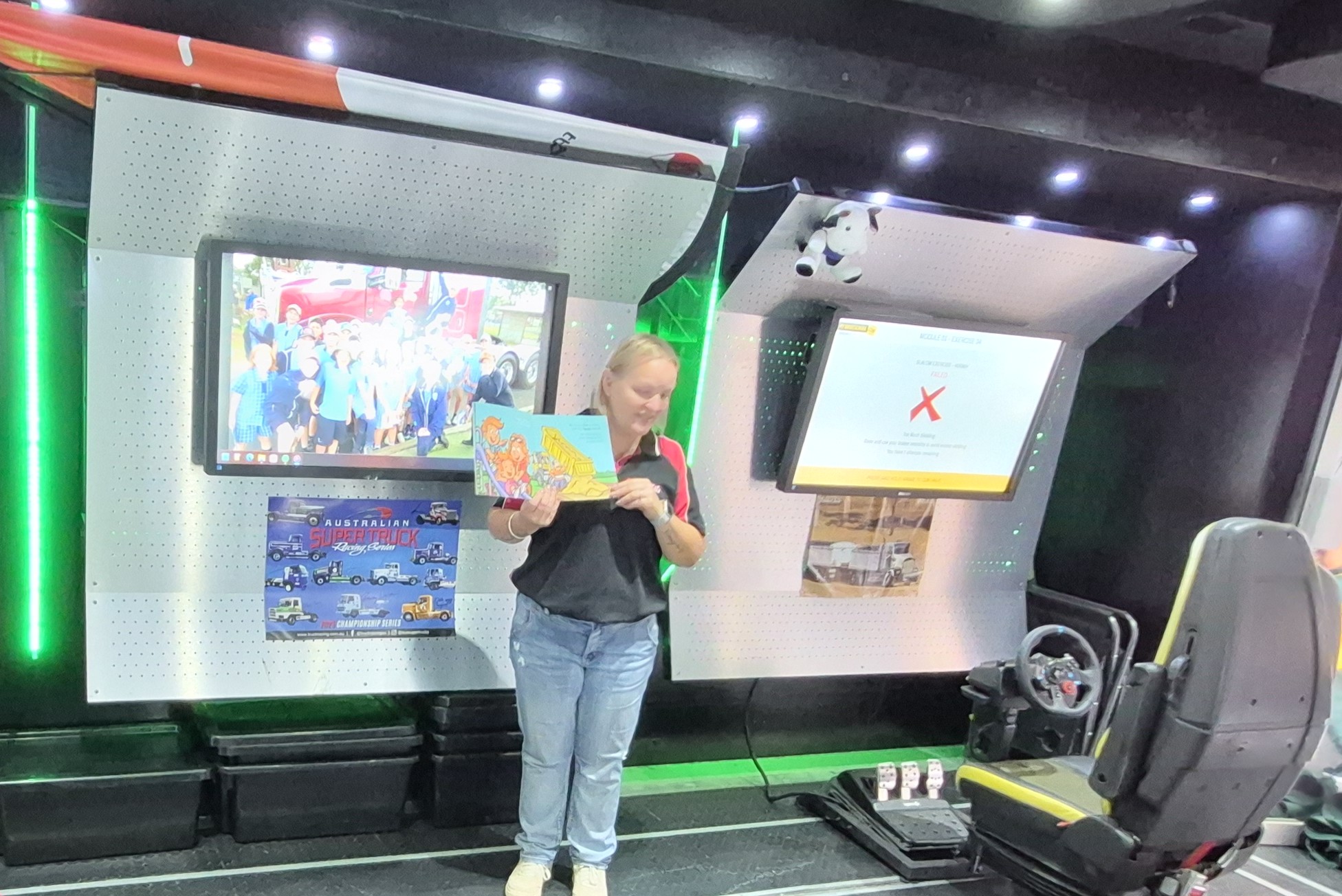
The resources include a virtual driver seat that aims to educate young and vulnerable drivers. With the help of googles that you can use with your mobile phone, users experience the realities of truck driving in an immersive context, learning how to drive safely around trucks on the road.
These cardboard VR goggles are available from Steering the Future during their visits. Some of the videos below can also be viewed without the goggles.
Setting up your SafeT360 VR goggles
Please ensure that the YouTube app is installed and enabled on your mobile device before proceeding.


Steering the Future
Our partners at Steering the Future share important guidance on how to stay safe around trucks. They also educate students nationwide about careers in trucking.

SafeT360 videos
Avoid truck blind spots - SafeT360
Give trucks the space they need - SafeT360
Don't overtake turning vehicles
True Stories - SafeT360
SafeT360 virtual reality videos (goggles are available from Steering the Future during their visits)
To watch these virtual reality videos please open this page on your mobile device and ensure the Youtube app is installed and enabled. To download the app on Android visit YouTube – Apps on Google Play or for Apple visit YouTube App – App Store